---
updatedAt: 2026-02-26T13:10:38.000Z
agentTools:
projectIndex: https://docs.ksa.ngenius-payments.com/llms.txt
---
# Slim mode
Typically, when a payment page is integrated into your web-site within an iframe, the surrounding content of your page will show your customer the order/basket data. If your payment page then also shows this data, and other styling artefacts, it can really disrupt the payment flow.
To cater for this scenario, the N-Genius Online payment page may also be invoked in an iframe friendly ‘slim’ mode, which removes any logos/images, and the summary bar (which shows the payment amount and order data).
To use this mode, simply add the query parameter ‘slim=true’ to the payment page link when you are redirecting your customer, and benefit from a less intrusive payment page.
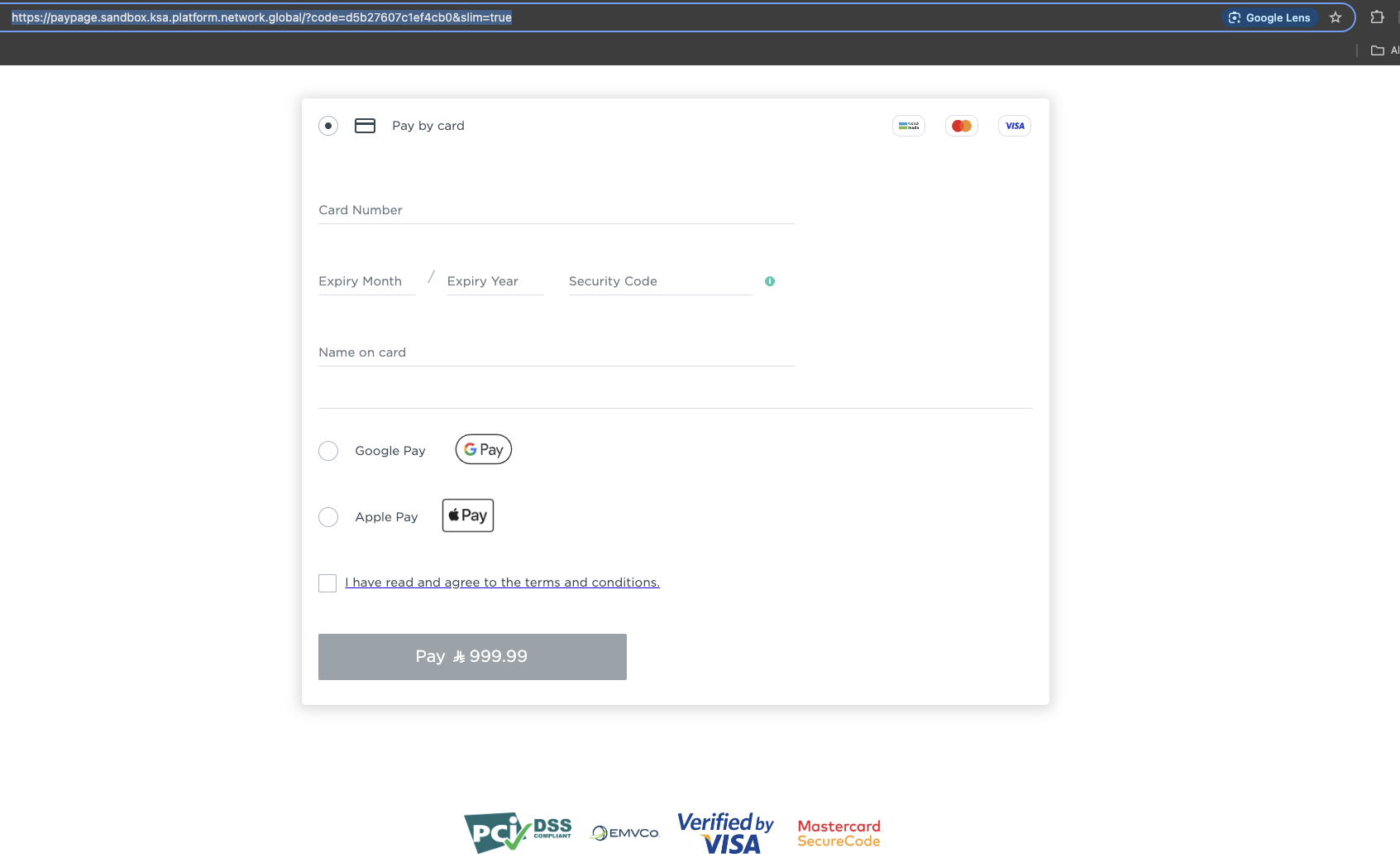
**Example**: https\://paypage.sandbox.ksa.ngenius-payments.com/?code=2fdb2af5555c3be5\&slim=true
By adding slim=2 the payment page will show the basket with line items **Example**: https\://paypage.sandbox.ksa.ngenius-payments.com/?code=2fdb2af5555c3be5\&slim=2
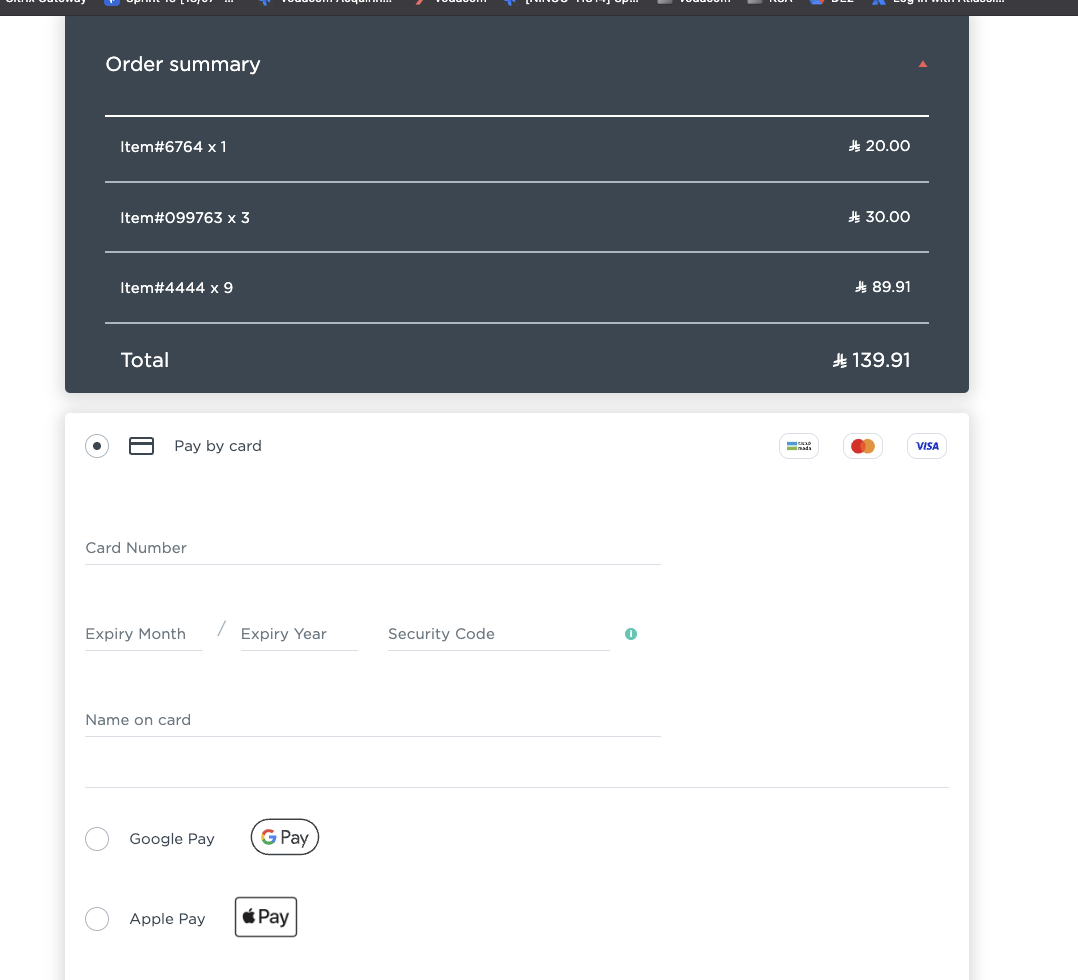
The summary of different UI elements displayed for various slim mode parameters is show in the below table
| Query Param | Branding UI displayed | Basket and MCP UI displayed |
| :---------- | :-------------------- | :-------------------------- |
| slim=0 | ✅ | ✅ |
| slim=false | ✅ | ✅ |
| slim=true | ❌ | ❌ |
| slim=1 | ❌ | ❌ |
| slim=2 | ❌ | ✅ |