

N-Genius Online lets you generate and send secure payment links directly from your system, giving merchants the ability to automate invoice creation and avoid the need for manual actions via the portal.
This integration method is ideal for merchants who:
- Send invoices in bulk
- Automate invoicing workflows
- Prefer seamless back-office-to-payment page flows
- Need to streamline payment collection from customers
⚙️ Integration Flow
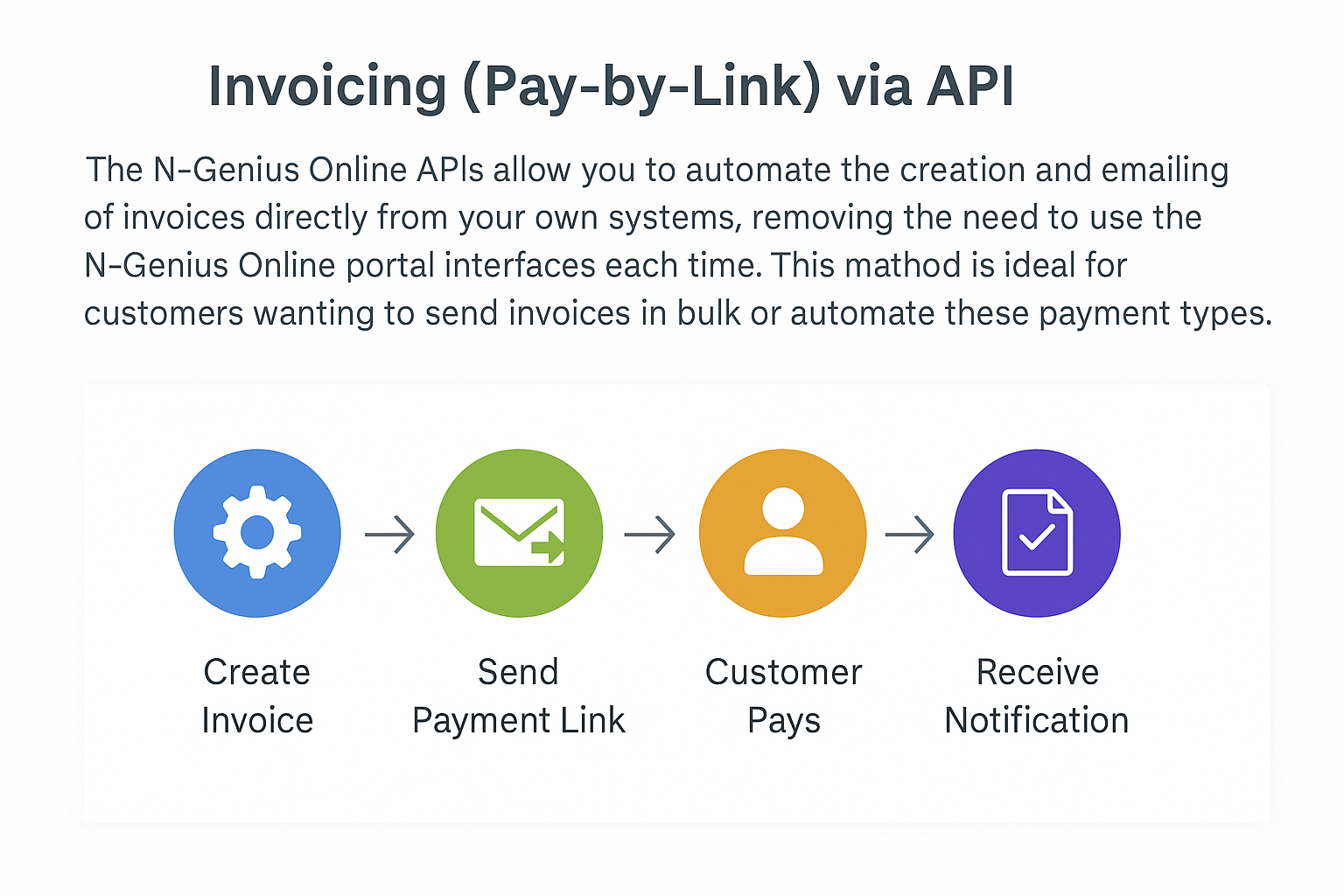
A visual overview of the Pay-by-Link invoice lifecycle — from access token to invoice creation, payment, and confirmation._
📚 Quick Start Guide
Use the links below to jump straight into the implementation:
✅ Key Benefits
- No need to host payment pages — everything is hosted by Network International.
- Automated notifications sent to your customers (via email).
- Mobile-ready and responsive for all customer devices.
- Trackable payment status using API responses or webhook events.
- Works seamlessly with both one-time and recurring invoices.
Heads up!Before using the Pay-by-Link APIs, make sure the Pay-by-Link is enabled for your merchant account.
You can check this under My Services in your N-Genius Online dashboard. If it's not available, please contact your onboarding team or account manager to activate it.
To learn more about Pay-by-Link, check out this guide.